Desktop media tools, owned once

Serious media processing without the rental model.

Formatif gives creators a local suite for converting, cleaning, enhancing, and preparing media files. It runs on your computer, keeps client work private, and does not ask for a monthly fee.

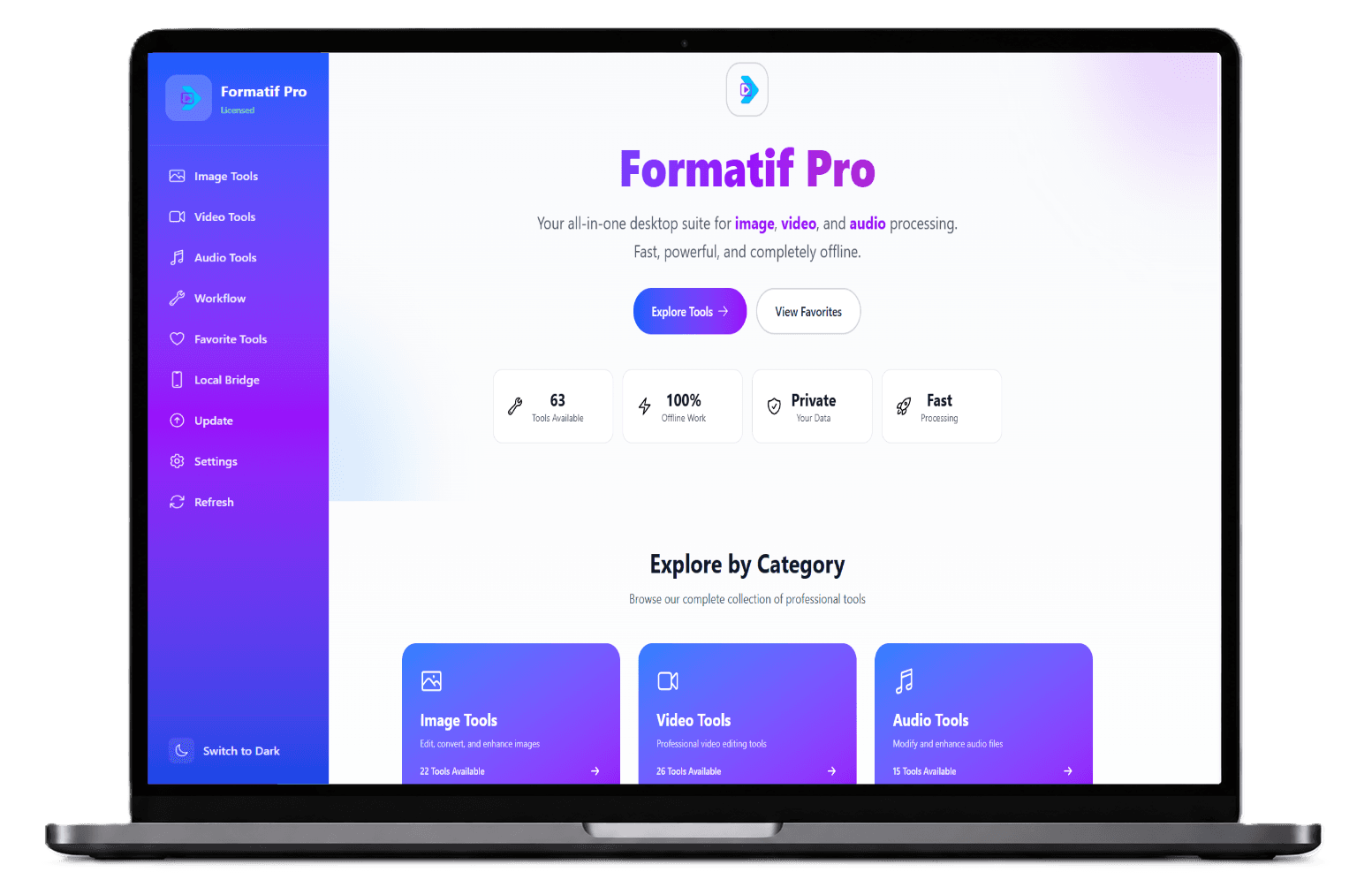
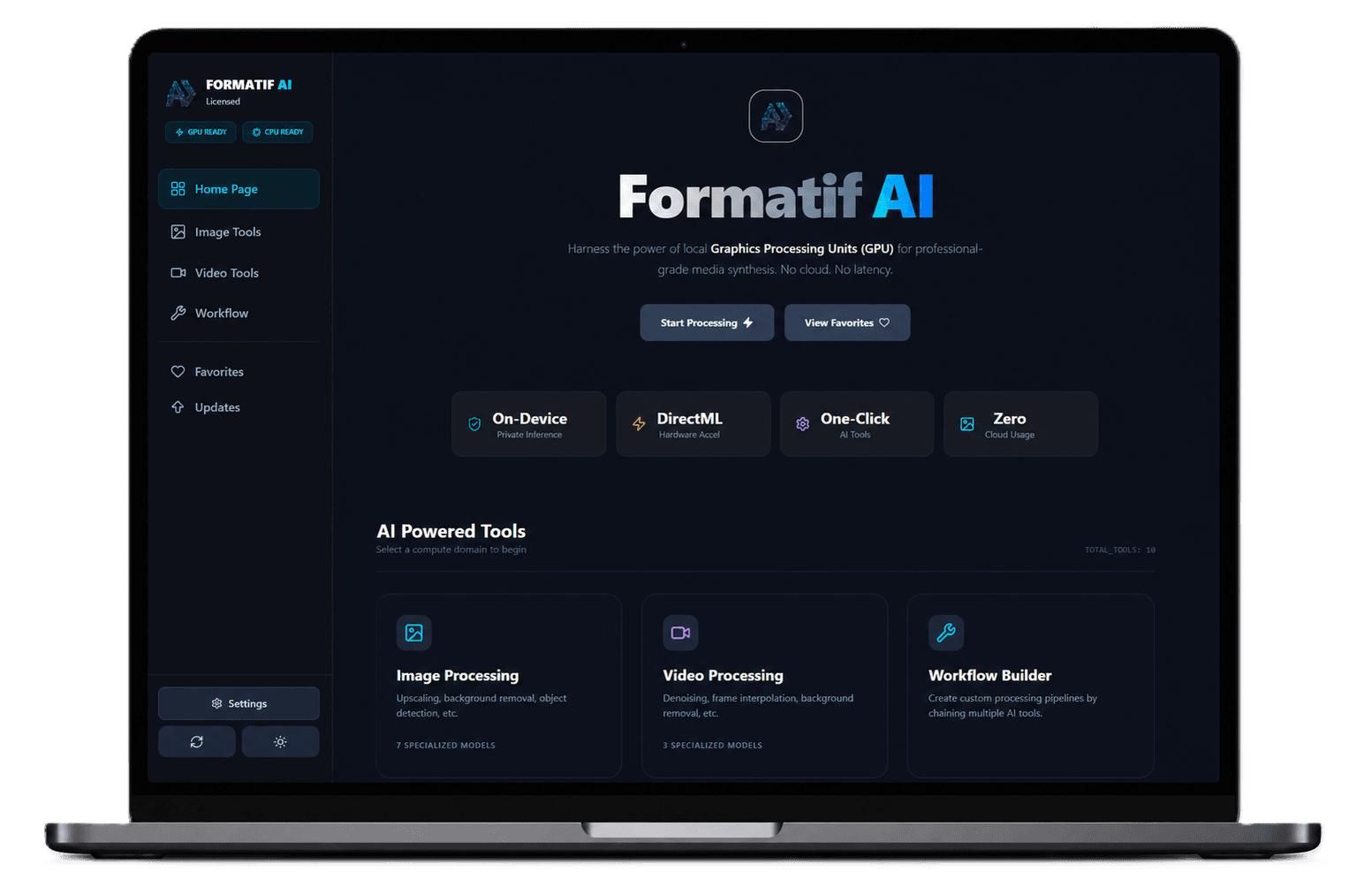
Formatif Pro desktop interface on a laptopFormatif AI desktop interface on a laptop

Local first: media stays on your workstation.

Two editions: classic tools and local AI processing.

Simple license: trial first, one payment after.

Choose the working style

One product family, two different kinds of work.

View bundle pricing

Formatif Pro

Everyday production tools

Use Pro when the job is repeatable, practical, and format-heavy: resize a folder, extract audio, compress video, convert files, normalize assets, and move on.

  • 59 image, video, and audio utilities
  • Batch queues for repetitive production work
  • Format conversion, compression, filters, and scaling
  • Built for offline desktop workflows

One-time license

$24.95

Explore Pro

Formatif AI

Local neural enhancement

Use AI when the source needs reconstruction or cleanup: upscale images, reduce video noise, restore detail, remove backgrounds, and process sensitive work without uploading it.

  • Local upscaling, denoising, restoration, and cleanup
  • GPU accelerated processing on supported hardware
  • No cloud upload before or after inference
  • Batch AI jobs for larger media libraries

One-time license

$34.95

Explore AI

Built around the file, not the account

The shortest path from raw media to finished output.

Formatif is designed for the unglamorous part of creative work: batches, conversions, cleanup, compression, and private client assets that should never become somebody else's training data.

01

Import

Drop in a folder, a single asset, or a mixed batch of media files.

02

Tune

Choose the tool, adjust the output, and keep presets for repeat jobs.

03

Process

Run locally on your machine with no account, queue, or server wait.

Original landscape before local media processing

Privacy as a product feature

Cloud tools make every file a transfer. Formatif keeps it a local action.

The workflow is intentionally plain: install the app, pick the tool, choose files, and export. No web dashboard, no storage quota, no uploading a client folder because the app cannot work without a server.

Offline capable

Useful even when the network is not.

No forced account

Start a trial without ceremony.

Local outputs

Exports are written back to your disk.

Private batches

Process sensitive work in place.

Read: Formatif vs. Cloud Media Processors

Made for people who process files for a living.

The interface should feel dependable before it feels clever. This direction keeps the copy direct, the colors grounded, and the product itself visible.

Photographers cleaning delivery sets
Creators preparing clips and thumbnails
Agencies handling client media privately
Developers compressing assets before shipping

Trial first, license later

Try the suite on real files before you buy it.

Download Formatif, test your own workflow, then choose Pro, AI, or the complete bundle for $47.95.