1
Scan to pair
Point your phone camera at the QR code on your desktop. No app to install, no account to create — you are connected over your own Wi-Fi in seconds.
Formatif Pro
Pro is the practical edition of Formatif: 63 tools for image, video, and audio work that needs to be fast, repeatable, and private. No upload loop. No monthly meter. No browser limits.
63
tools included
3
media types
0
cloud uploads
$15.95$8.95
one-time price
Where Pro earns its keep
Pick the job you repeat this week — Pro has a workflow for it. These are the most common, and each one maps to a ready-made template further down the page.
Compress, resize to 1000–1920px, and convert hundreds of ecommerce images before upload. One folder in, web-ready set out.
Standardize lecture clips (1080p, AAC 192k), extract audio for podcast feed, and export thumbnails with one saved workflow.
Trim silence, normalize loudness, EQ voice, add fades, and export MP3/OGG at the exact bitrate your host requires — offline.
Watermark proofs with text + opacity control, keep a compressed archive, and deliver originals — never send raw files to a web tool.
Turn a drive of BMP, TIFF and AVI into formats that still open in 2026 — plus a list of the files that refused, and why.
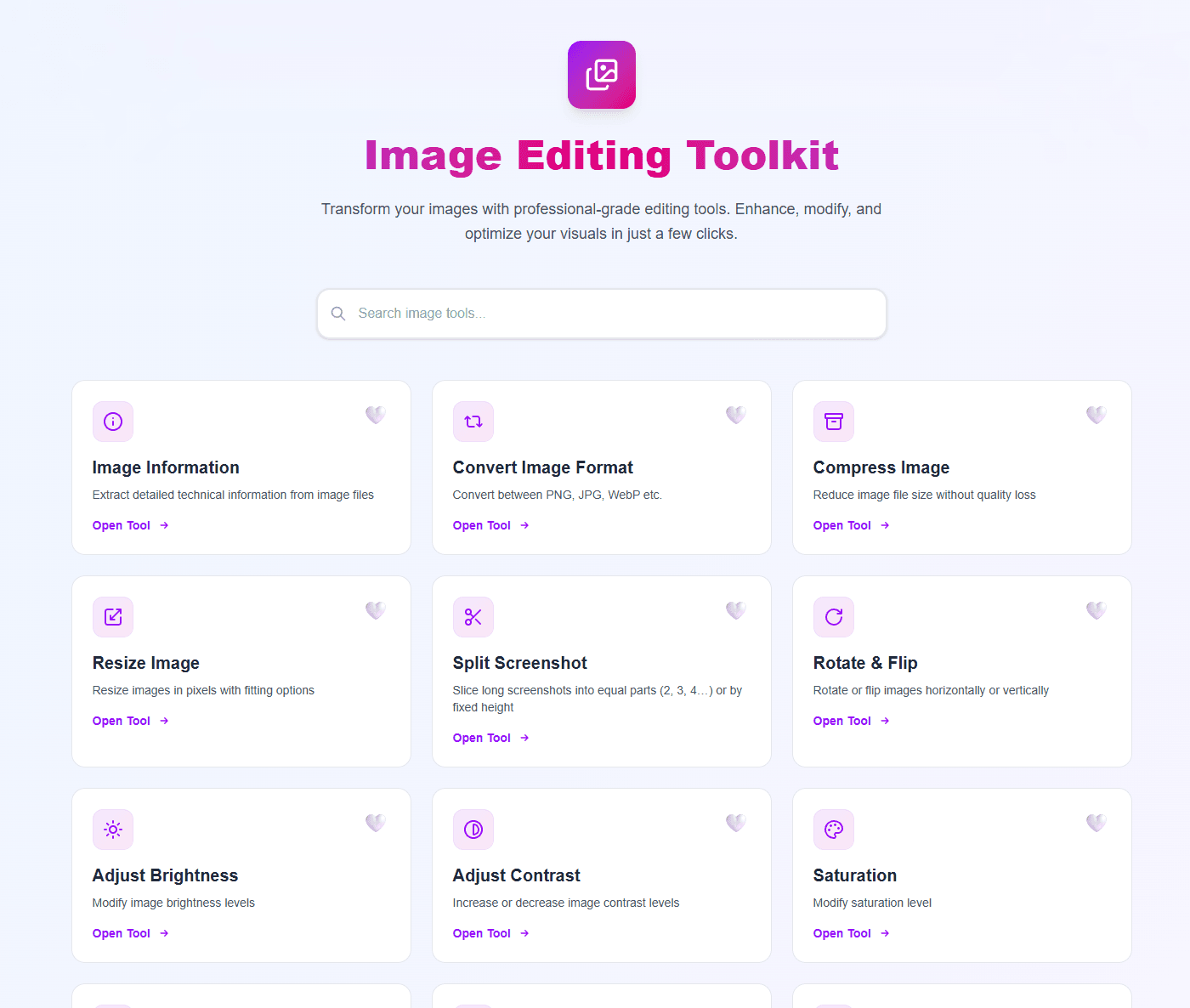
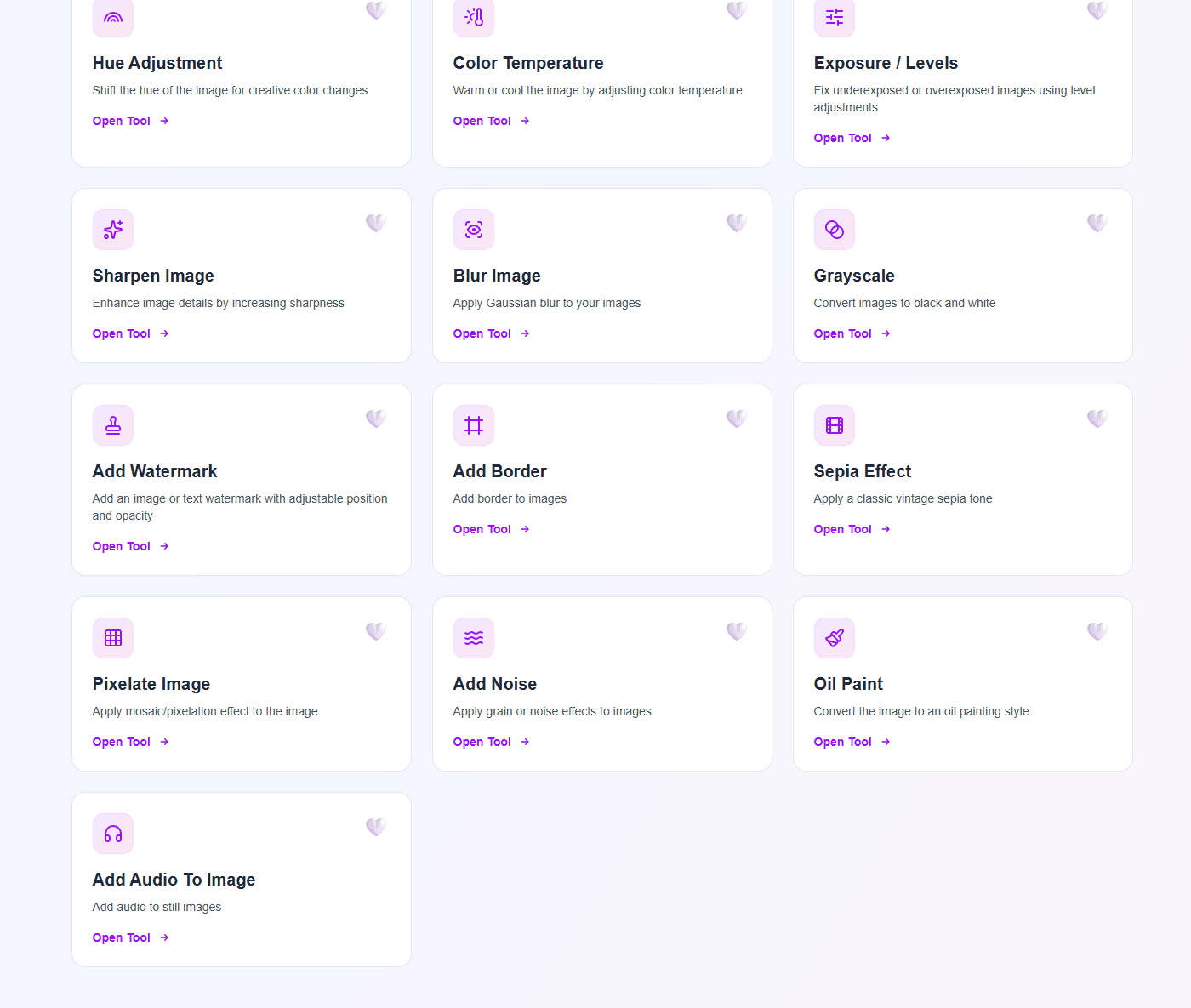
Images — 22 tools
Convert, compress, resize, and inspect in bulk — then fine-tune light and color. Turning “resize 400 photos for the shop” from an afternoon into a single queue.
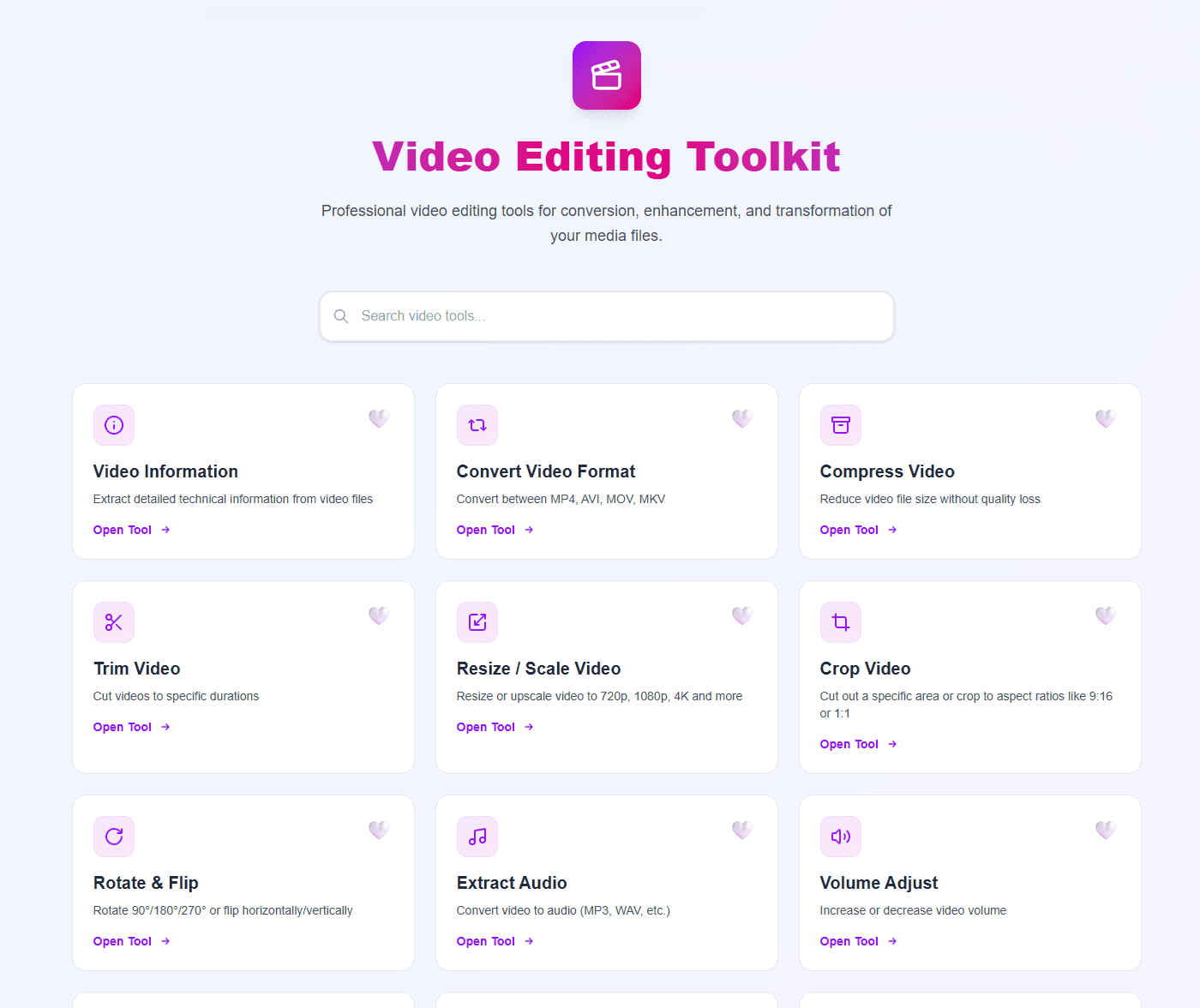
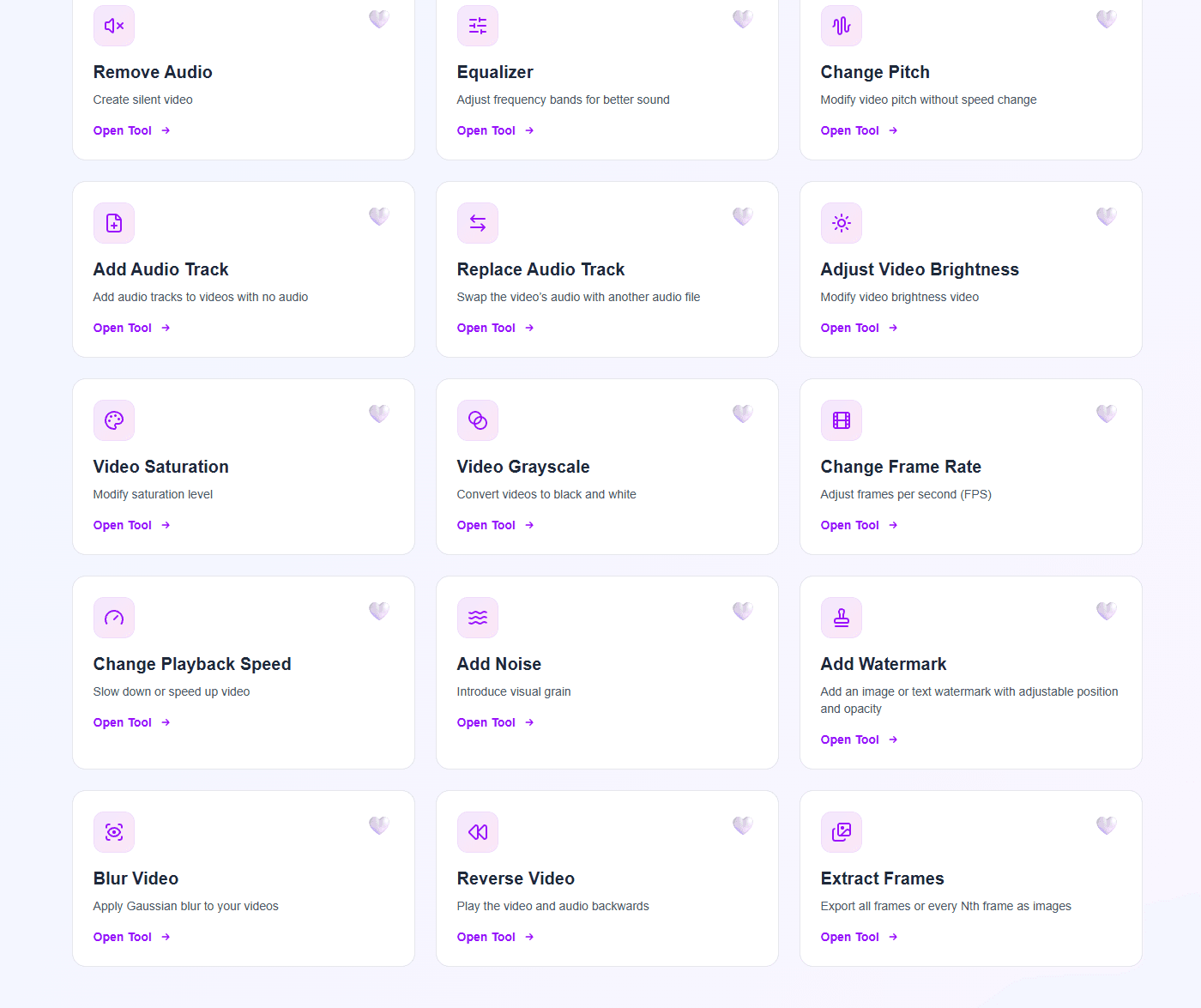
Video — 26 tools
No timeline, no cloud render. Transcode with real codec choices, crop for 9:16, fix audio, and extract frames — then chain the repetition into a workflow.
Use GPU where supported for compress/convert; fall back to CPU automatically.
Streams are copied without loss when the format allows it — no re-encoding, no quality drop.
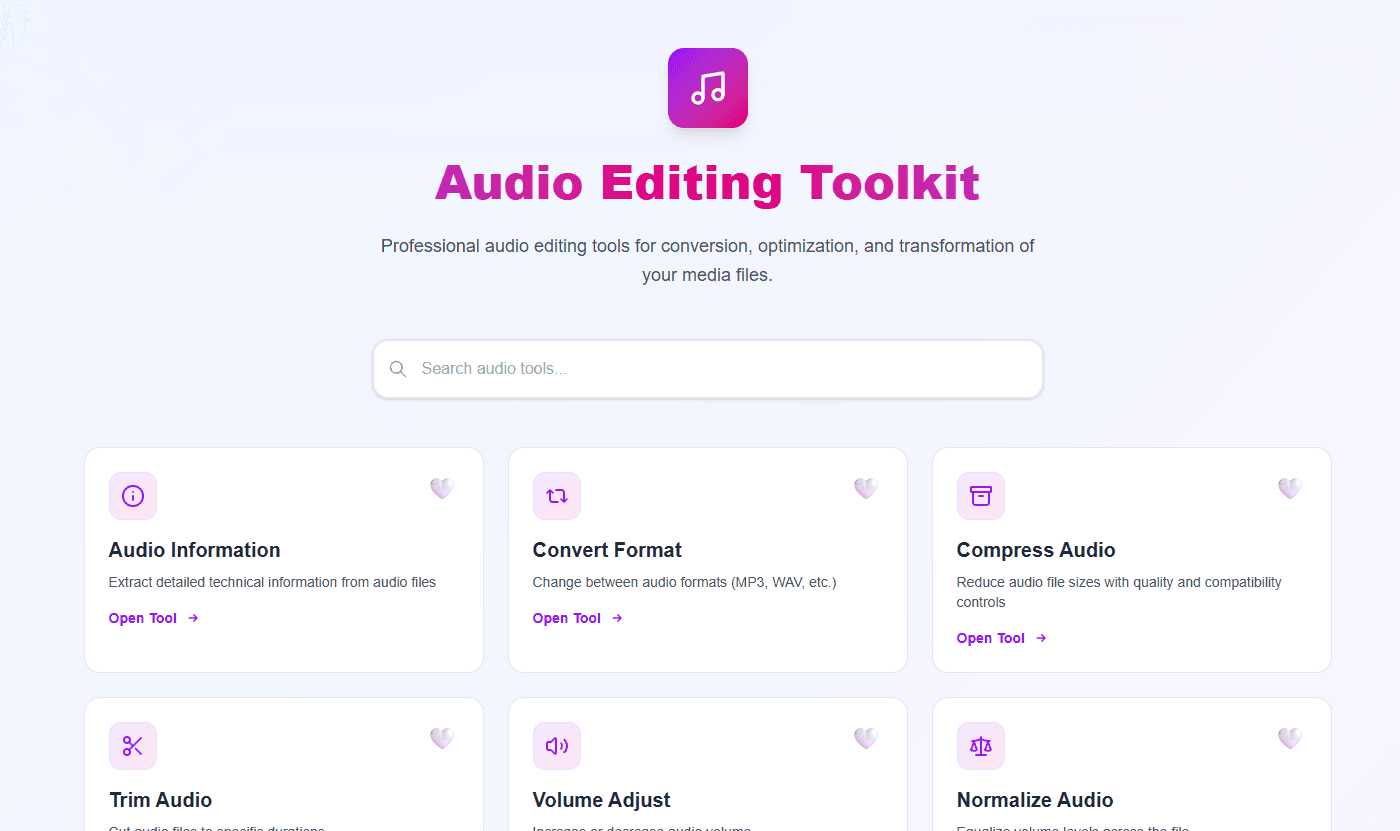
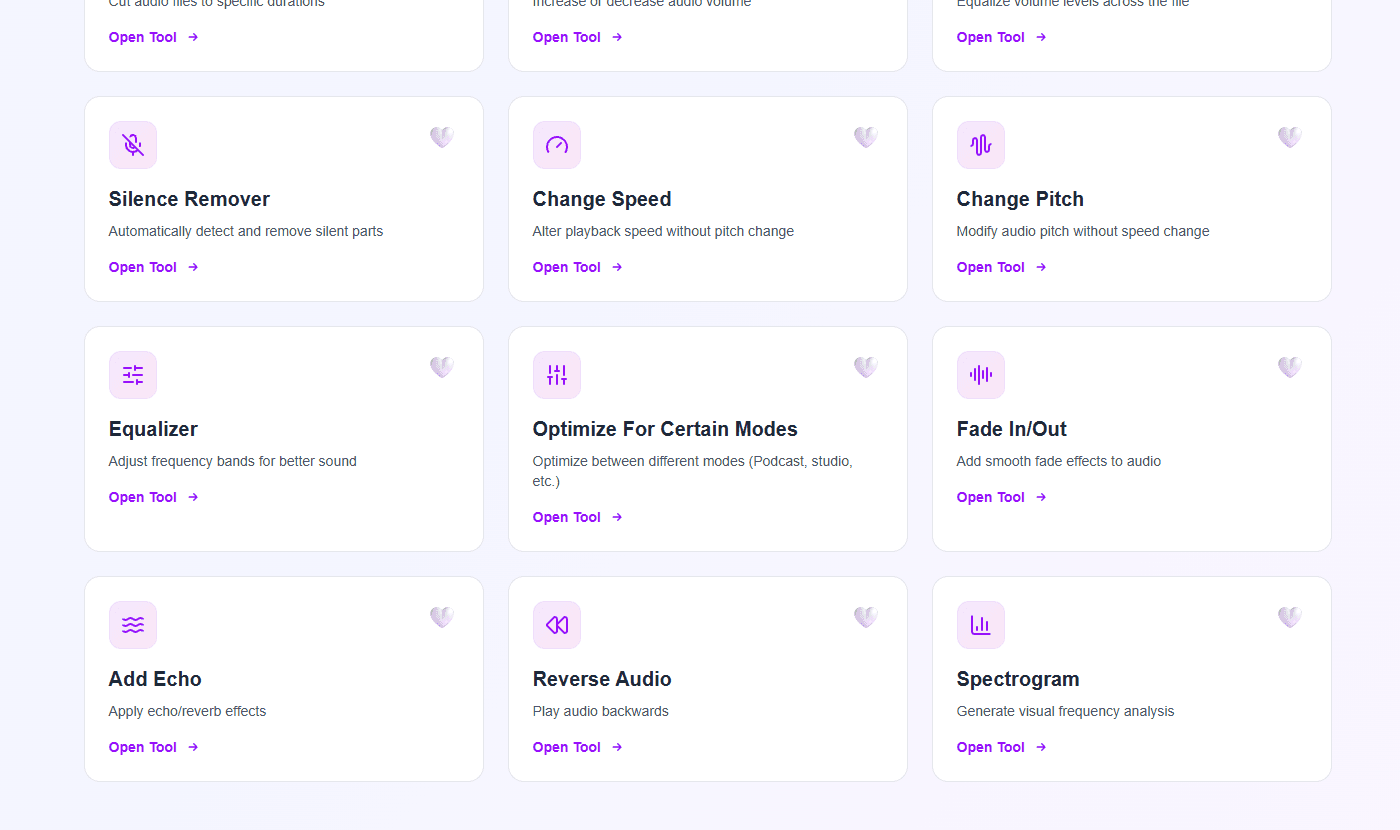
Audio — 15 tools
From 30-second trims to full podcast chains: convert for the host, normalize loudness, remove silence, EQ voice, and export at the exact bitrate you promised.
New in 2.0 • Local Bridge
Send 4K video and camera-roll photos from your phone straight into Formatif Pro over your own Wi-Fi — no cables, no cloud upload, no compression, no waiting. Scan the code, send, and let your desktop do the heavy lifting.
Point your phone camera at the QR code on your desktop. No app to install, no account to create — you are connected over your own Wi-Fi in seconds.
Pick heavy 4K clips or a whole camera roll and send them straight across. No cloud upload, no compression, no waiting on an internet round trip.
Files land in your Formatif Pro queue ready to convert, compress, resize or watermark in one batch — and the result can go right back to your phone.
Only devices on your own Wi-Fi can reach the bridge. Nothing is uploaded to anyone's server.
If the Wi-Fi hiccups mid-send, resume carries on from where it stopped instead of starting over.
Live progress on the phone, plus a desktop list you can open or delete from when you are done.
Workflow Builder • Unique to Pro
Stack the steps you repeat — resize → watermark → convert → compress — and see the result on a real file before you commit a folder to it. Single mode previews the chain as you build it; batch mode fans the same recipe over every file with per-file progress, cancel, and folder output.
Switch the builder to single-file mode and watch the chain land on a real file — instant approximation first, exact render a moment later. Video plays through the filters live.
19 image + 27 video + 14 audio steps, including cross-media bridges: pull a frame out of a video into an image chain, or an audio track into an audio chain.
Run a step only when it makes sense — width, height, size, duration, format or media type. Anything that misses the rule is skipped, or stops that file with a reason.
Mark any step to also write its result to disk. Keep the watermarked master and the compressed web copy from one pass instead of running the workflow twice.
Name outputs with {name} {index} {date} {width} tokens, and decide what happens when a file already exists: rename, overwrite, or skip it.
Every run reports step by step — including which step failed and why. Save recipes locally, or export / copy one as JSON to reuse or share.
Resize 1920×1080 → watermark → WebP 85%
Resize inside 1600px → compress → WebP 82%
Resize → watermark studio logo → export point → compress for delivery
Normalize orientation → export high-quality PNG
Compress H.264 → watermark → MP4 (aac)
Resize 1080×1080 → watermark → compress
Extract MP3 192k → normalize loudness
Rotate 90° → convert to MP4
Normalize → volume +10% → MP3 192k
Normalize → volume +15% → MP3
Speed 1.2× → OGG Vorbis 128k
Normalize → gain +25% → MP3 320k
The part nobody screenshots
Most tools sell you formats. What you live with daily is everything around the files: row status, failures, cancels, and the names in your output folder.
Every file has its own live state — pending, processing, completed, error — so you always know which one is running and which one failed.
Spot one wrong file mid-batch and you cancel that row, not the run. The other 299 keep going, and the whole queue stops with a single button showing live counts.
A corrupt file is marked with its reason and the queue keeps moving, ending with completed and failed counts instead of a dead app.
Re-run and finished files are skipped. Change a setting and everything recalculates, so stale output never survives. Failed files stay eligible — Process also means retry.
Encoder errors arrive as a next step, not an exit code. A failed batch produces a report you can copy or save, and workflows log every file and step.
Set your folder and base name once. You see the exact filenames before the run, nothing is silently overwritten, and EXIF keeps phone photos upright.
If the encoder goes silent for 60 seconds, the job is stopped with a clear message instead of freezing the queue behind it.
Videos are handled by path, thumbnails are tiny previews, and log output is capped, so long runs stay responsive.
Private & local
Everything runs on your device and stays there. Process files locally and save to the folder you choose. No upload cap, no browser memory wall, no “your file is too large”.
Local processing skips upload, server queues, and downloads. A 200 MB video converts while a web tool is still uploading.
Every tool gives you the controls that matter — quality, size, volume, EQ — with sensible defaults and one-click overrides.
Batch jobs and saved workflows make the 5th job as fast as the 1st. Same settings, same naming, no re-clicking.
Try Pro on real files, then keep it with a one-time license for $8.95. For neural upscaling and restoration, compare it with Formatif AI or the complete bundle.
63 tools • Offline • Batch • One-time price